Inspect and simulate SBML
Read source quantities and units before running. Supported model profiles and their limits are explained in Workbench.
A workspace for biological models
Inspect an SBML model, choose the quantities you want to follow, and run a simulation. Keep the source and the scientific choices beside the result.
Public browser preview · No signup required · Teaching example included
Start small
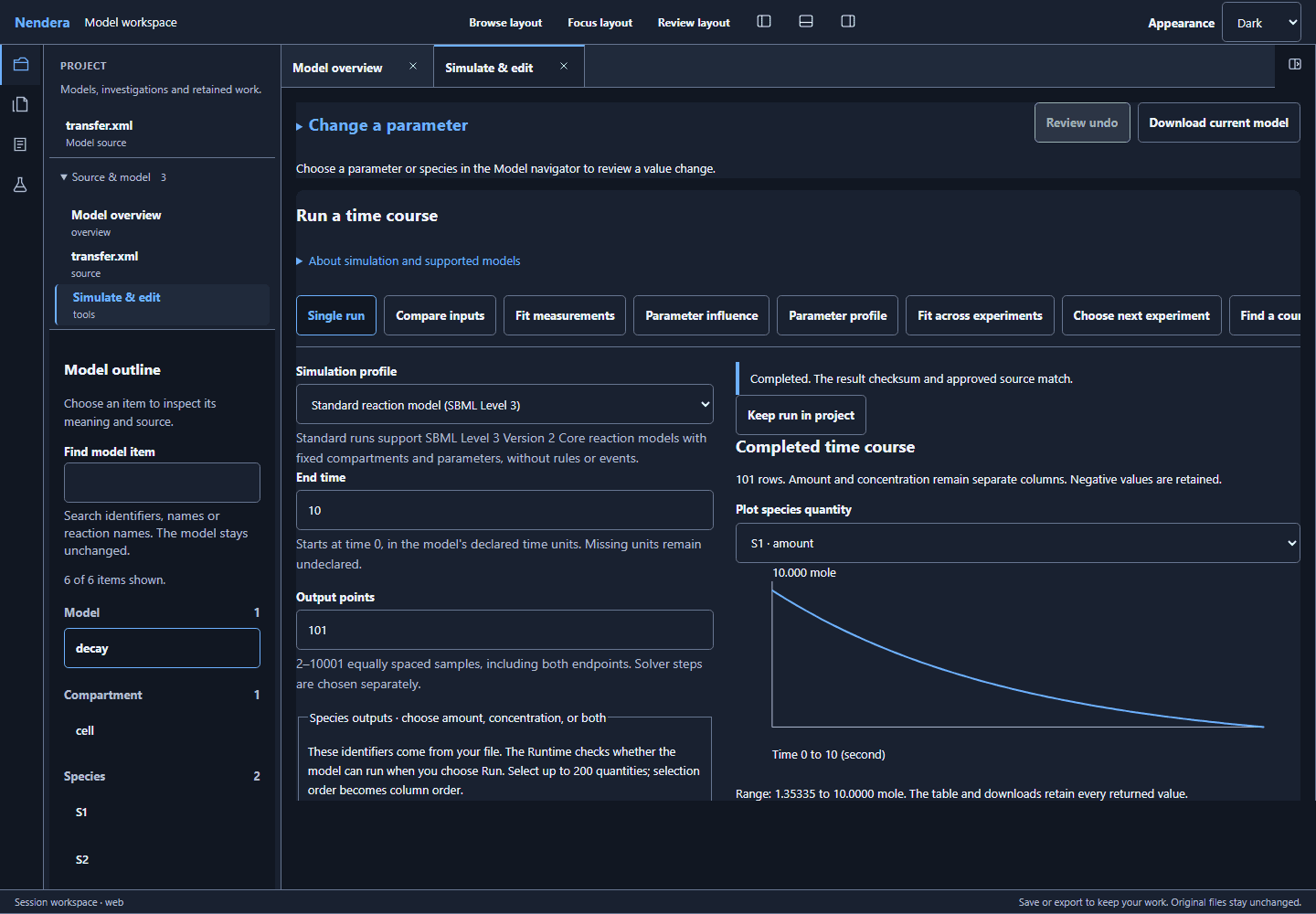
The teaching example starts with 10 mole of S1 and none of S2. See how the quantities change as material moves between them.
In Workbench, choose Open teaching example. Inspect the species, parameter and reaction in the model outline.
Open Simulate & edit. Select the amounts of S1 and S2, then read the run settings and server disclosure.
Choose Run simulation and inspect the trajectories. Download the current model if you want to keep its source.
Bring your own question
Read source quantities and units before running. Supported model profiles and their limits are explained in Workbench.
Review source-linked measurement mappings and compare a model with selected experimental data. Fitting still requires scientific judgment.
Use an explicit checkpoint to recover supported investigation work. Save or export what you need; a live server session is temporary.
Choose how you work
Workbench is the graphical workspace. Python and CLI workflows are also part of Nendera; supported features and setup are documented with each release.
Some development repositories require GitHub access. You can try the public Workbench without it.